
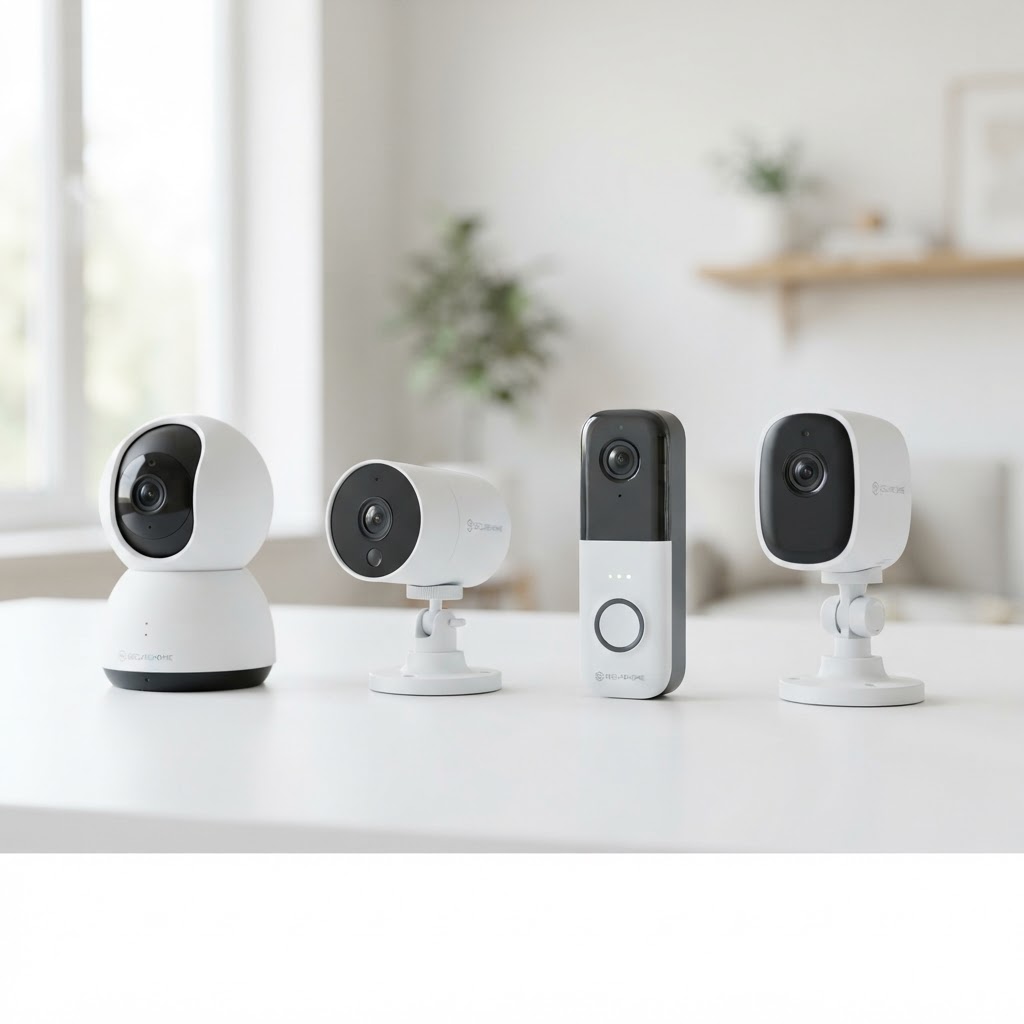
Buying cameras online takes ten minutes. Getting a system that still works in a Denver hailstorm, shows a readable face at night, and doesn't get accidentally unplugged takes a bit more planning. Here's what a proper installation looks like, so you know what you're paying for.
Step 1: The walkthrough
Before anything is ordered, we walk the property. The goal is to answer one question: what are you actually trying to see? A license plate at the alley, a delivery at the front door, the register at a shop, or a car in the driveway at 2am each need a different camera, lens, and height.
We look at light — where the sun hits at 4pm, which corners are pitch black — because that determines whether a camera needs strong night vision or supplemental lighting.
Step 2: Camera placement
Good placement is mostly about height and angle:
- High enough to be out of reach, generally 8 to 10 feet for residential, higher for commercial
- Angled down at 30 to 45 degrees so faces are visible rather than the tops of heads
- Away from direct sun and glare that blows out the image during the day
- Covering entries, approaches, and anything valuable first — not every square foot
We'd rather install four well-placed cameras than eight pointed at the same sidewalk.
Step 3: Cabling and recording
Wired IP cameras are still the most reliable choice for a permanent installation: steady power, no wireless dropouts, and no battery to climb a ladder for. We run cable through walls and attic space cleanly, terminate it properly, and label it.
Where is the recording hardware going? A network video recorder should live somewhere with power, ventilation, and a lock — not on a shelf next to the register.
Step 4: Remote viewing and alerts
Once the system is up, we set up the phone app with you, tune motion alerts so your phone isn't buzzing every time a branch moves, and confirm the footage is actually recording on the schedule you expect.
Step 5: The handoff
You should leave the installation knowing:
- How to pull up live view and playback footage
- How to export a clip if something happens
- How long footage is retained before it overwrites
- Who to call if a camera goes offline
Questions worth asking before you buy
- What resolution and night performance do I need for my specific spots?
- Is footage stored locally, in the cloud, or both?
- What happens to the system if the internet goes down?
- How is the cabling protected from weather and tampering?
We install and service camera systems throughout the Denver metro, including Aurora, Lakewood, and Centennial, and we're happy to review a quote you've already received before you commit.
Need help with this in the Denver metro? We're local and happy to talk it through.
Get a Free Quote