
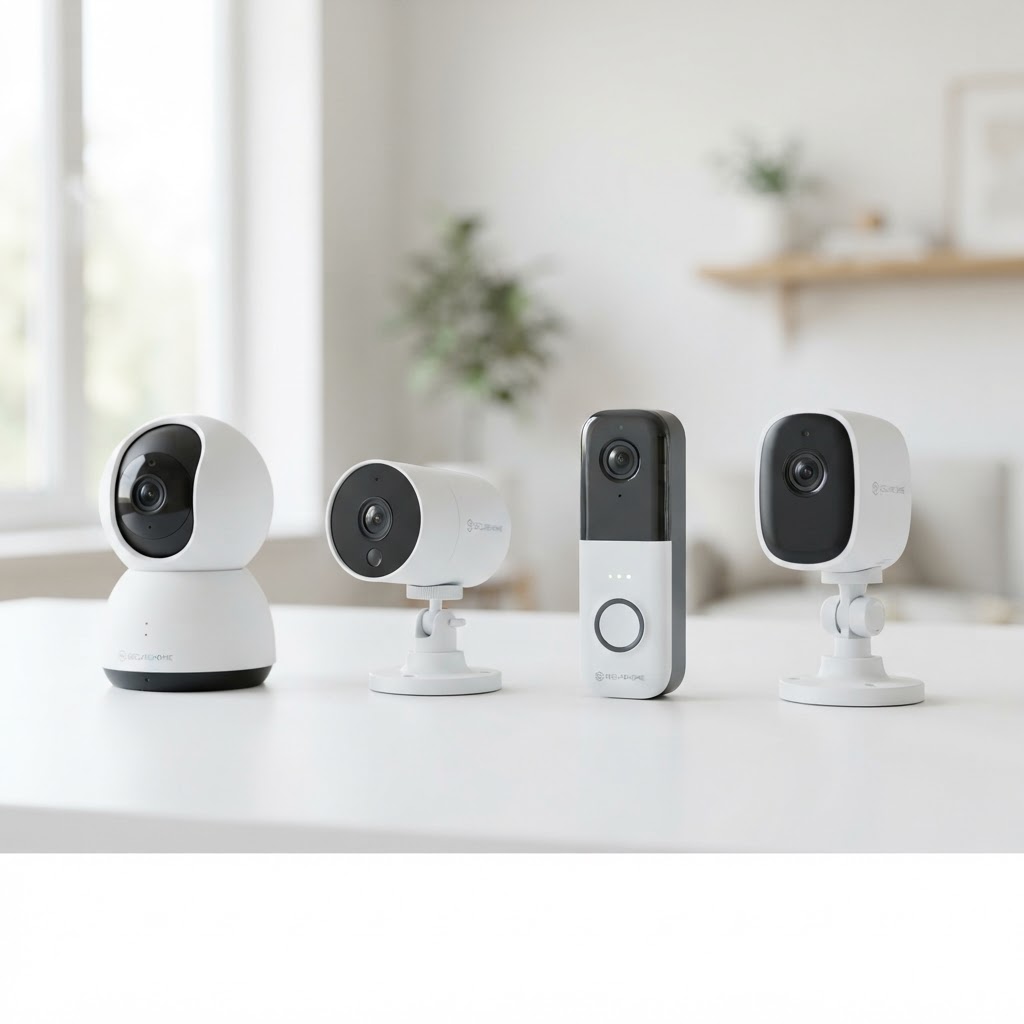
Good security camera coverage comes down to placement. A camera that points at the wrong spot, or sits where it can't see the door, doesn't do much. Here is a practical way to plan a system for a home or small business in the Denver metro area.
Start with the spots that matter
Walk the property and list the places you most need to see:
- Entry points: front door, back door, garage, and side gates
- Windows at ground level: especially those facing alleys, side yards, or quiet streets
- Parking areas and driveways: for both homes and business lots
- Inside high-traffic areas: hallways, stockrooms, cash areas, and reception desks
Most properties don't need a camera on every wall. A few well-placed cameras that cover the entry points usually give more useful footage than many cameras aimed at open space.
Choose the right camera type
- Indoor cameras suit hallways, living areas, and back offices. They are usually the simplest to install.
- Outdoor cameras should be rated for weather and placed where they can see the approach to the property.
- Dome cameras mount on ceilings and work well for wide views of an interior room or lobby.
- Video doorbells cover the front step and show who is at the door without opening it.
Plan for lighting and angles
Camera image quality depends on light. Avoid pointing a camera directly at a window or a bright light source, since glare can wash out the image. Mount cameras high enough to be out of easy reach, and angle them down slightly so faces and license plates are visible rather than just the tops of heads.
Think about storage and access
Decide early how footage will be stored and who needs access. Some systems record to a local device, others store footage in the cloud. Check that the phone app works well for the people who will use it, and set up strong, unique passwords and two-factor login where it is offered. A camera on a weak network password can become a security risk of its own.
Connect cameras to your network properly
A reliable system needs stable internet and a network that can handle the video traffic. For businesses, this often means checking the router, the switch, and the Wi-Fi coverage at each camera location before installing anything. Getting the network right at the start avoids dropped feeds later.
When to bring in a professional
A DIY system can work well for a small home with simple needs. A professional site visit makes more sense when you have a larger property, several buildings, a commercial space, or a need to cover areas with limited power or network access. A technician can walk the site, recommend camera positions, and install and test everything so it works the first time.
Next step
A to Z Tech Services installs and supports security camera systems for homeowners and small-to-mid-size businesses across Denver, Aurora, Lakewood, Boulder, and nearby cities. If you want a clear plan for your property, request a free quote and we will walk through your options and pricing before any work begins.
Need help with this in the Denver metro? We're local and happy to talk it through.
Get a Free Quote